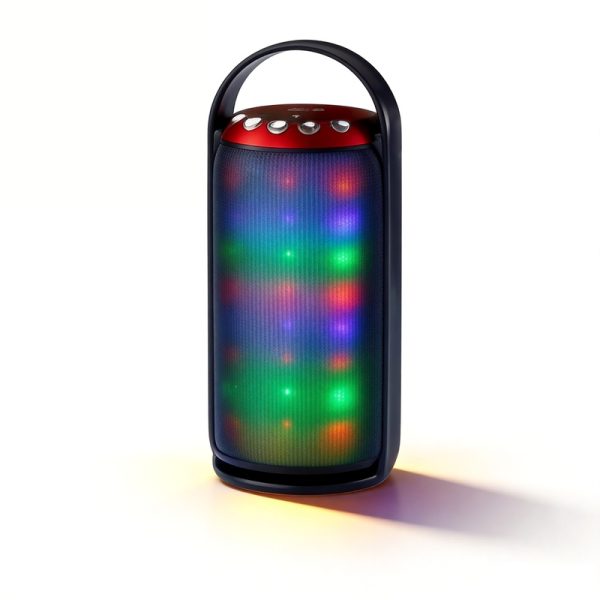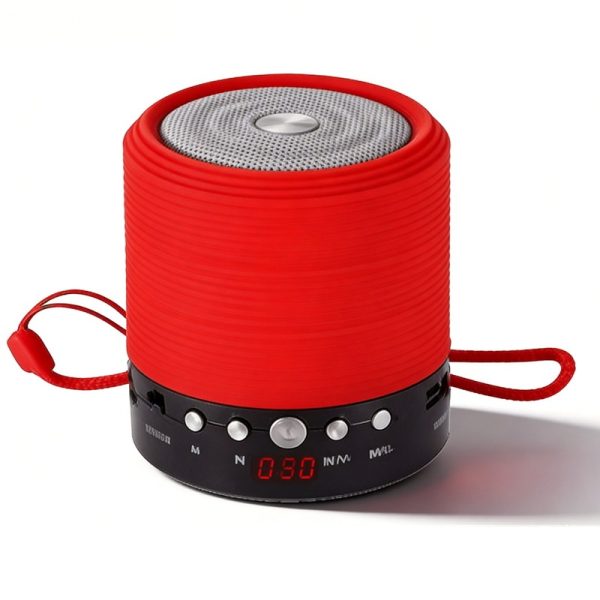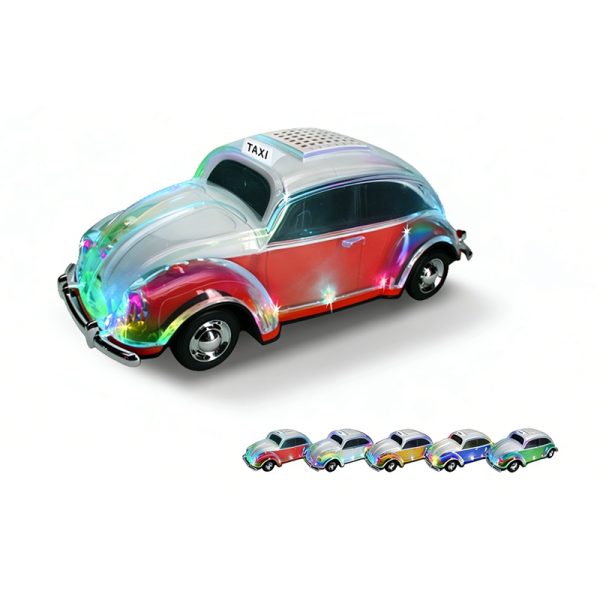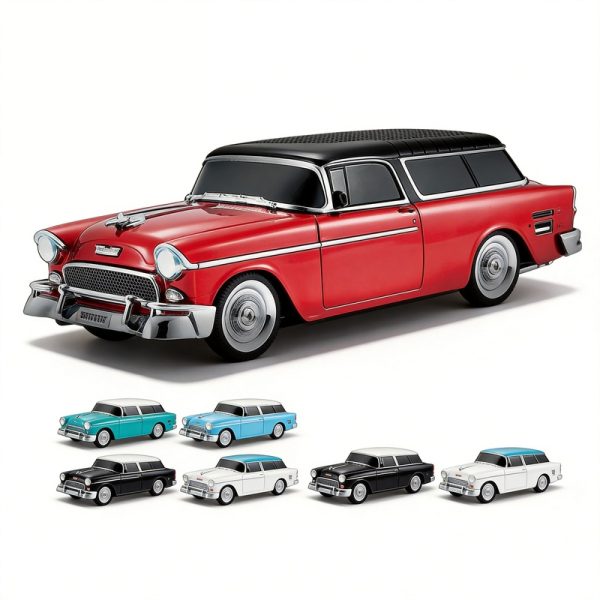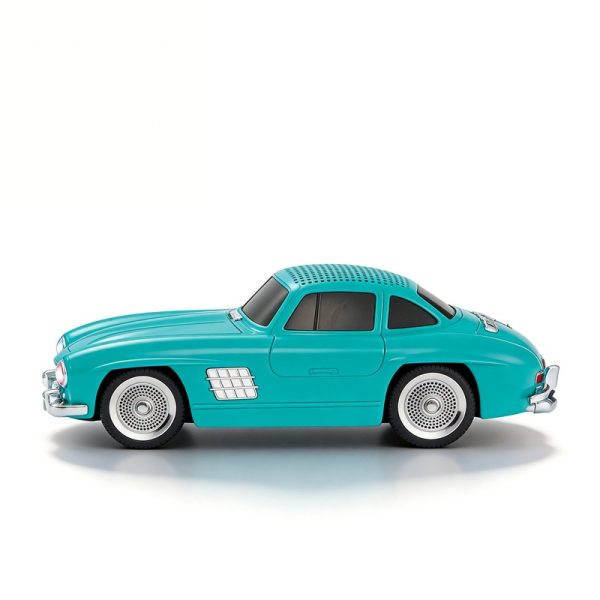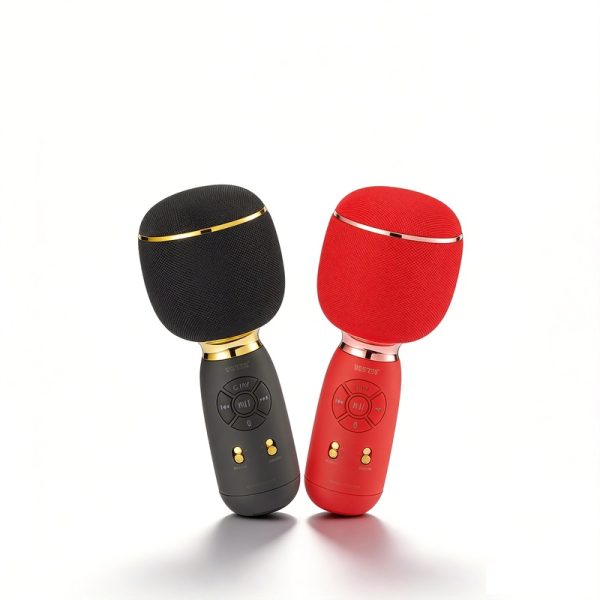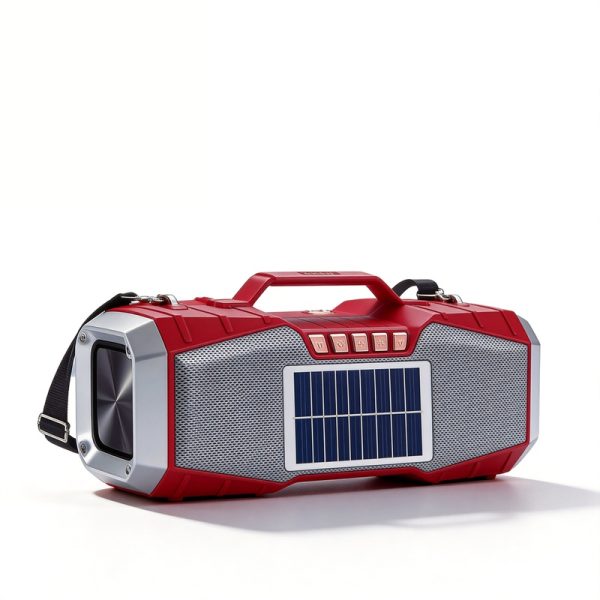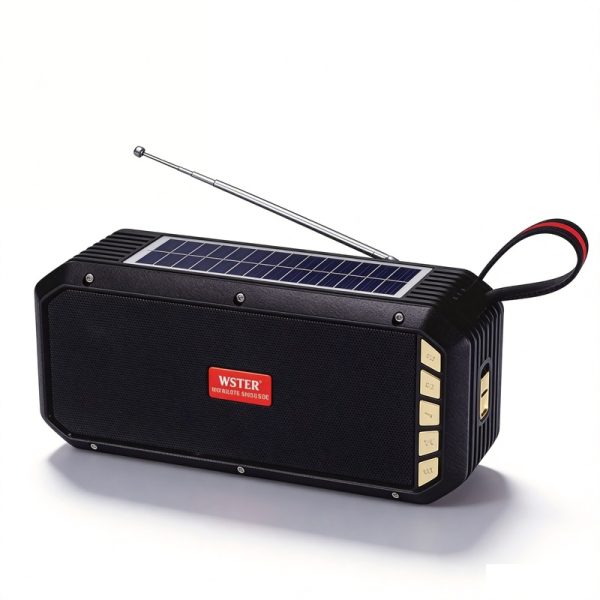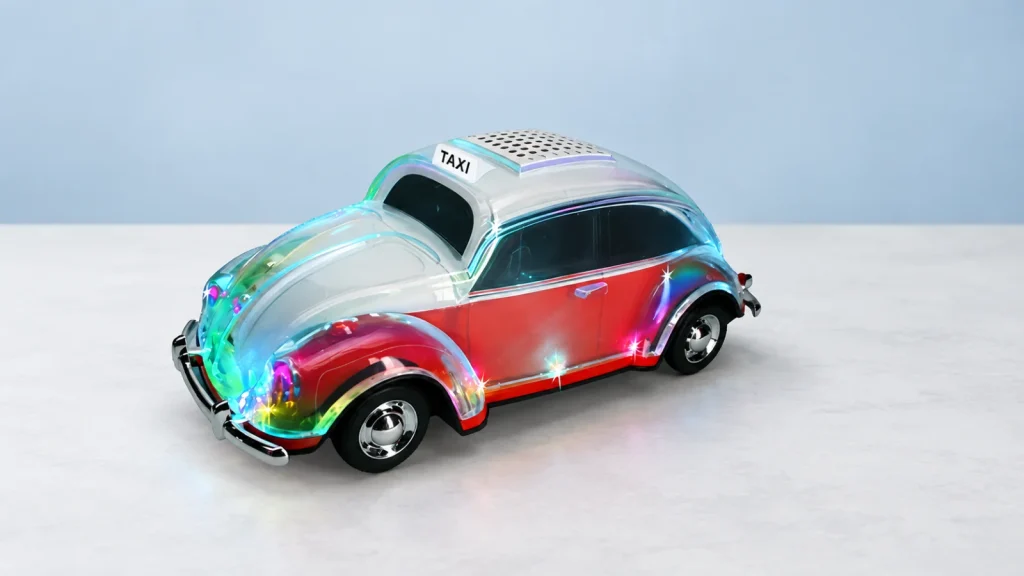
Choose a small set of models with a clear reason for comparing them. You might be deciding between product formats, looking for a required playback source or checking which entries list TWS. The comparison keeps those details attached to the right product.
Compare one buying requirement at a time
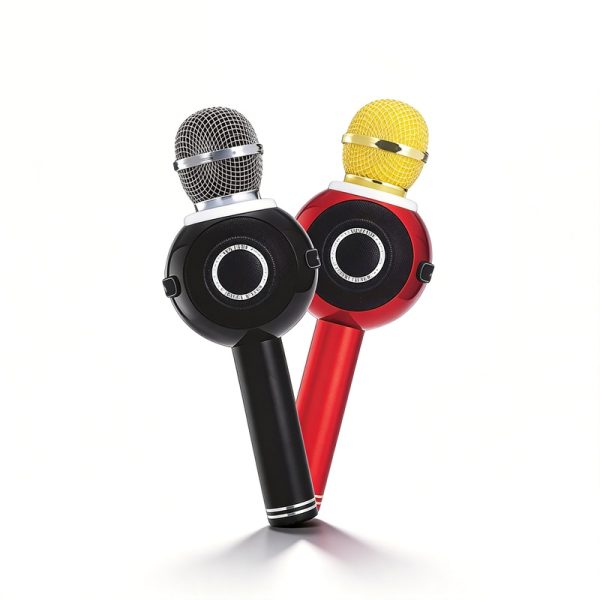
WS-1602 and the mini WS-632 both list FM, USB/TF playback and an LED display, so the product format can become the next question. WS-878 brings a handheld karaoke format with recording and Magic Tone effects. WS-5390 lists solar charging, a flashlight and TWS. These are different reasons for a model to remain in your range, rather than a single ranking from best to worst.
Use the displayed specifications to note the difference you want to review next. If the required detail is unclear, keep a question with that model instead of copying a value from another product.
Keep the labels with the numbers
- Output and driver specifications are different labels; compare like-for-like information.
- Battery capacity is not a promised playback duration.
- An absent or unclear entry needs confirmation; it is not a zero or proof that a feature is missing.
- Packing quantities describe a packing reference, not a minimum order.
Bring the comparison into the conversation
Keep the model choices and unresolved questions with your shortlist. The inquiry brief tool can turn them into a message for WSTER. Add quantities and the purpose of the comparison so the next discussion addresses the decision your team needs to make.