Turn the products you are considering into a message someone can act on. Choose the relevant references, add your project details and review the generated brief before copying it into your preferred contact channel.
Give the request a clear starting point
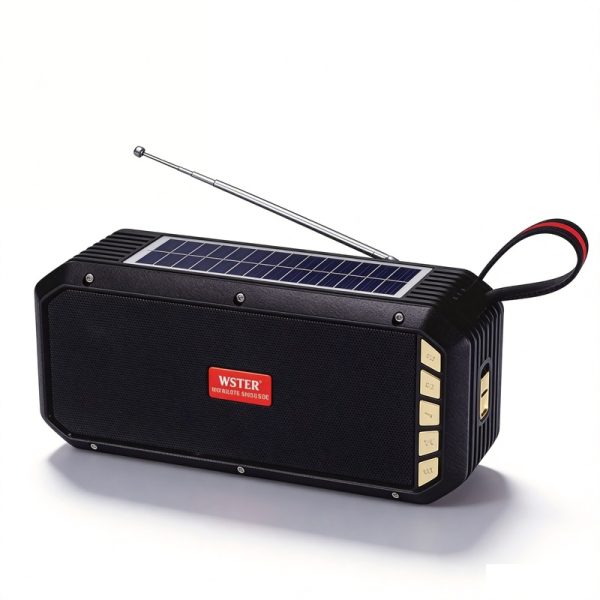
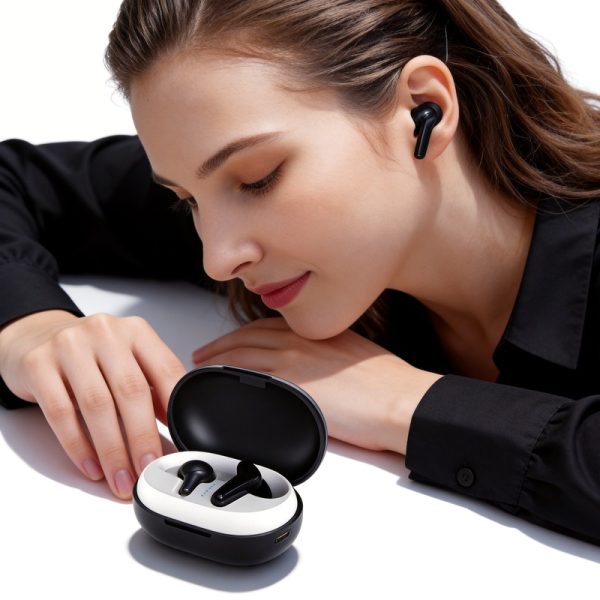
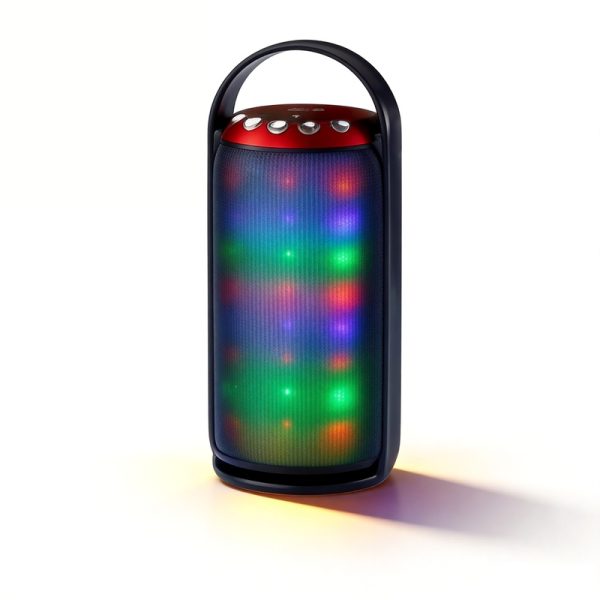
State whether the next step is a product discussion, a sample request or a quotation. Then add the model choices and planned quantities. If your request includes speakers and earbuds, keep their requirements separate so a feature requested for one product is not applied to the other.
- Quantity: list the planned pieces for each model.
- Market: describe the destination and intended sales channel.
- Functions: identify essential features and any detail awaiting confirmation.
- Customization: describe proposed logo, artwork or packaging changes.
- Timing: enter your preferred schedule as a request for discussion.
Review the brief as a buyer would
Check model numbers and quantities first. Remove outdated alternatives and make unresolved points easy to find. It is fine to leave a question open; “please confirm the supported pairing setup” is more useful than inserting a specification you have not verified.
The brief is a starting message. You can add artwork or further project documents through the contact channel you choose.
Send the reviewed message
Copy the text and use the contact page to send it to WSTER. The tool does not send a message, reserve stock, place an order or issue a quotation. Pricing, customization feasibility and order conditions are confirmed in the actual discussion.