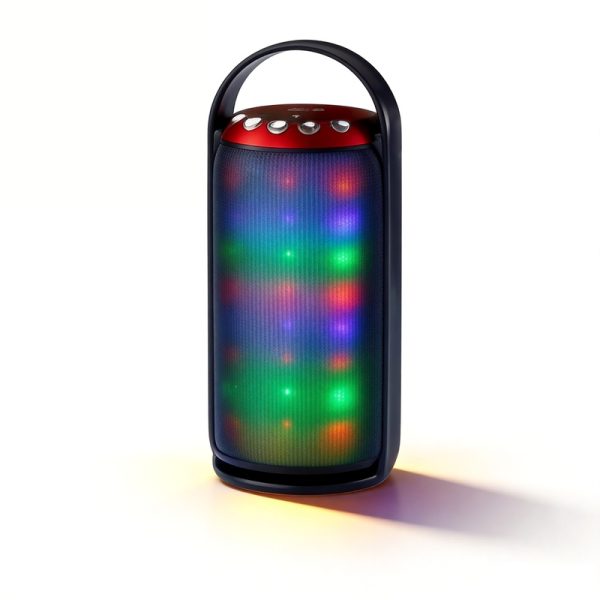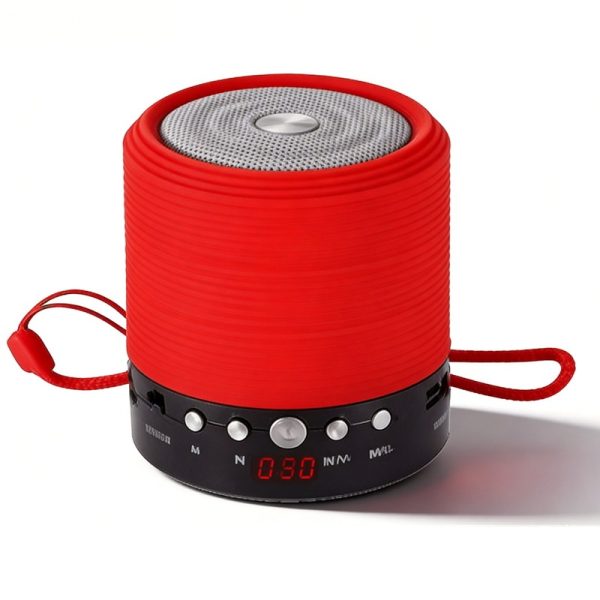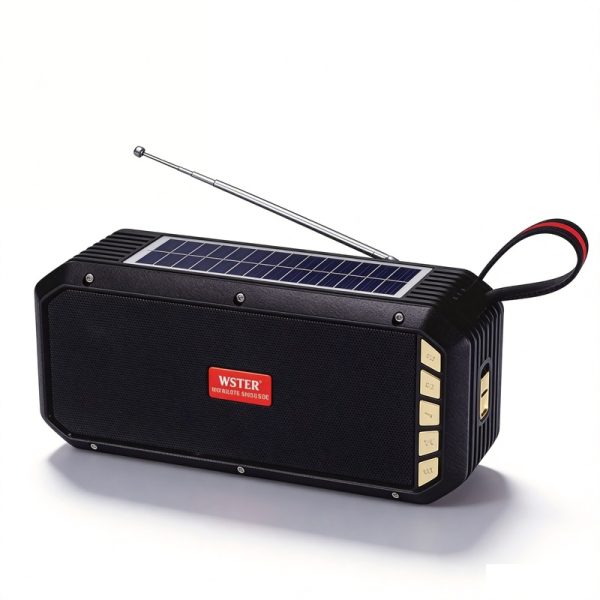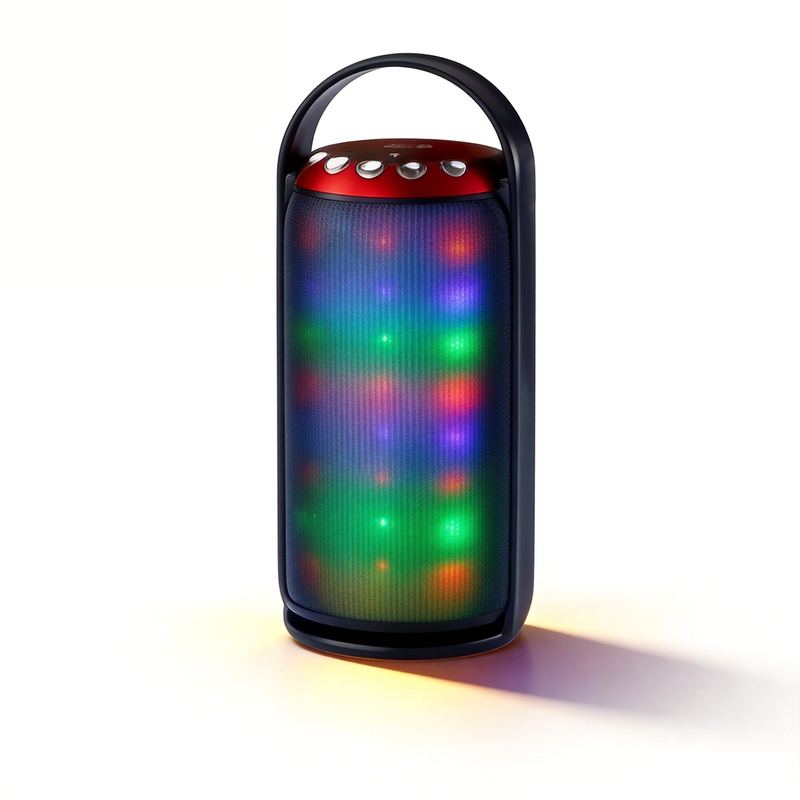
A sample review is most useful when another person can understand what was checked and why it matters. Before switching on the product, bring the model reference and your buying brief together. This gives the reviewer a clear task and gives WSTER enough context to respond to any questions.
Start with the product you intended to receive
Record the model number, product link and the version of the brief being used. Note the items received with the sample and compare them with the contents agreed for that request. Appearance, labels and control placement are easier to discuss when the same reference is available to both sides.
- Keep observations about the standard model separate from proposed logo or packaging changes.
- Record important handling or presentation requirements before the review.
- Use the model number in photo and note filenames so observations stay attached to the right product.
Choose checks that match the model
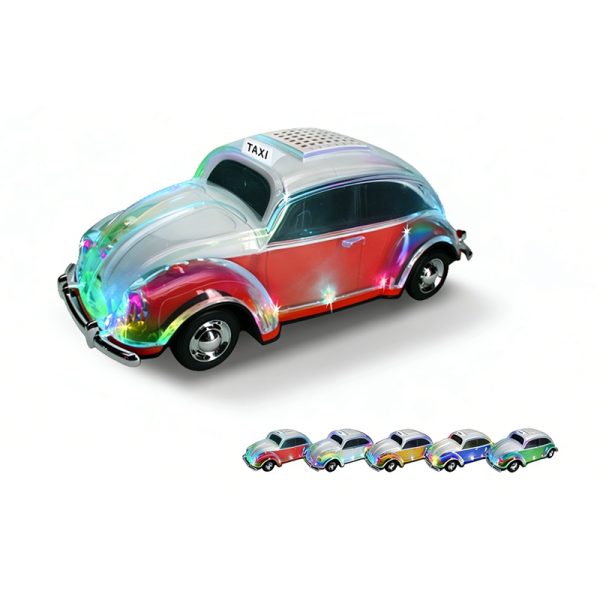
For WS-1937BT or WS-5390, a playback review can cover their listed Bluetooth, USB, TF and FM sources. WS-1937BT also lists a digital display, while WS-5390 lists solar charging, a flashlight and TWS. A shared audio checklist can therefore be followed by a smaller set of questions specific to each product.
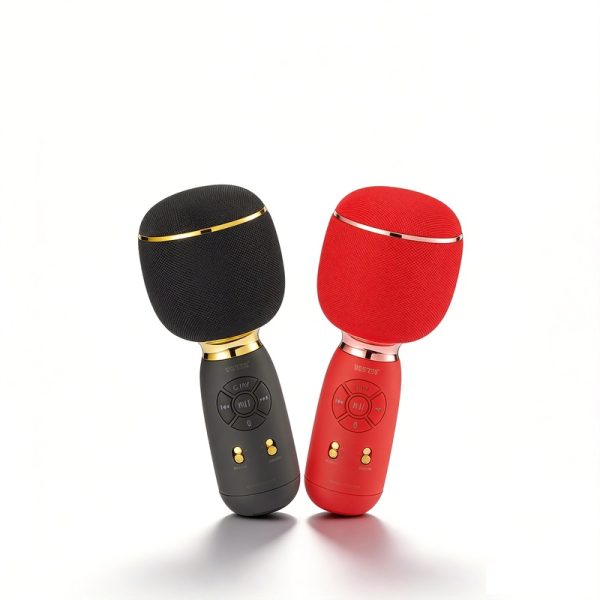
For WS-1885, focus on the karaoke controls and how the microphone is held, as well as the required audio sources. If TWS is part of your request, agree which units and operating sequence should be used before recording the pairing observations.
Use the phone and media you expect to demonstrate with, and write down the selected source and control sequence. If a function has not been demonstrated, leave it as an open question instead of filling the gap from another model.
Keep the record short enough to use
A simple five-part entry is usually easier to review than a long description of the whole session. Complete one entry for each requirement:
- Requirement — the function or presentation detail your range needs.
- Setup — model, source device, media and operating mode.
- Observation — what you saw or heard during that check.
- Open question — the detail that needs clarification or another demonstration.
- Next step — accept the observation, review again or request a change.
For a display question, for example, record which playback mode you selected and what information appeared. This produces a specific question about the interface without assuming that an LED screen includes a clock or a percentage readout.
Agree what happens after the review
Gather the unresolved points before changing the product brief. Identify which points affect model selection, which concern requested customization and which need clearer documentation. Send those questions with the model reference so WSTER can discuss the next step with you.
Sampling arrangements, inspection criteria and any required testing are confirmed separately for the project. This checklist organizes buyer observations; it is not a laboratory report or a set of contractual acceptance thresholds.
Buyer questions
What if the sample differs from the brief?
Record the exact requirement and observed difference, then ask for clarification before relying on that detail in an order or retail listing.
Should every sample use the same checklist?
Use a common record format, but choose checks from each model’s listed functions and the needs of your range. A karaoke microphone and a car-model speaker need different handling questions.