A phone, a USB drive, a TF card and FM radio give a buyer different ways to use a speaker. If your range needs more than phone playback, begin with models that list the required sources. Then compare how the user selects and controls them on the actual product.
Start with a familiar source, then add the others
Write down the source your customers are most likely to start with. For a phone-led demonstration, the pairing and playback controls may be the first thing to review. For a product demonstration using stored audio, source selection and track navigation become useful questions. FM adds a separate tuning workflow to consider.
- Bluetooth: review pairing and playback with the intended source device.
- USB playback: confirm the product reads audio from storage; distinguish that function from a socket used for charging.
- TF card playback: review insertion, source selection and the media requirements for the chosen model.
- FM radio: check how tuning is operated and record the environment used for a demonstration.
Compare the same sources in different designs
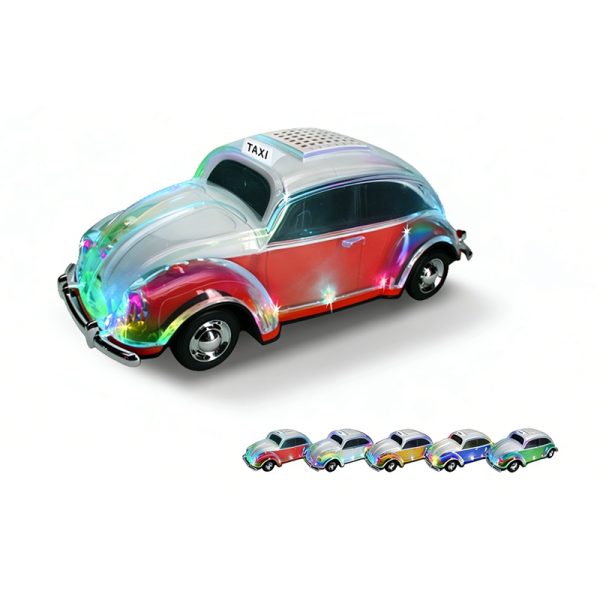
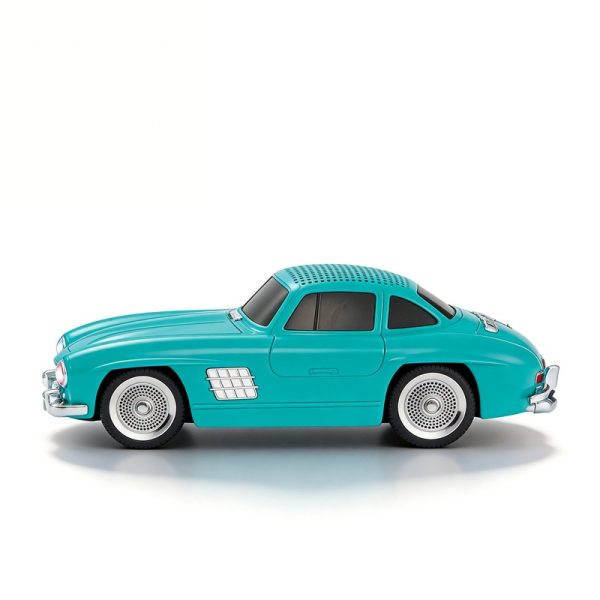
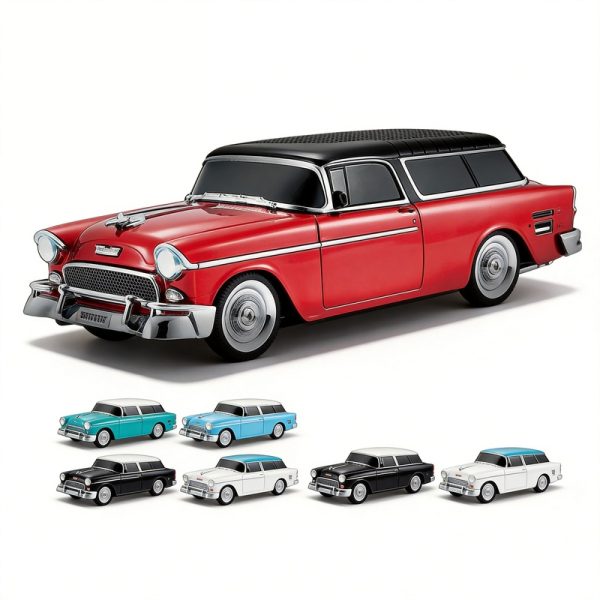
WS-1937BT, WS-1955 and WS-300SL list Bluetooth, USB or flash-drive reading, TF and FM in car-model designs. WS-1937BT lists a digital display; WS-1955 and WS-300SL list LED displays and TWS. If your range centers on a distinctive shape, those additional functions give the sample review a clear direction.
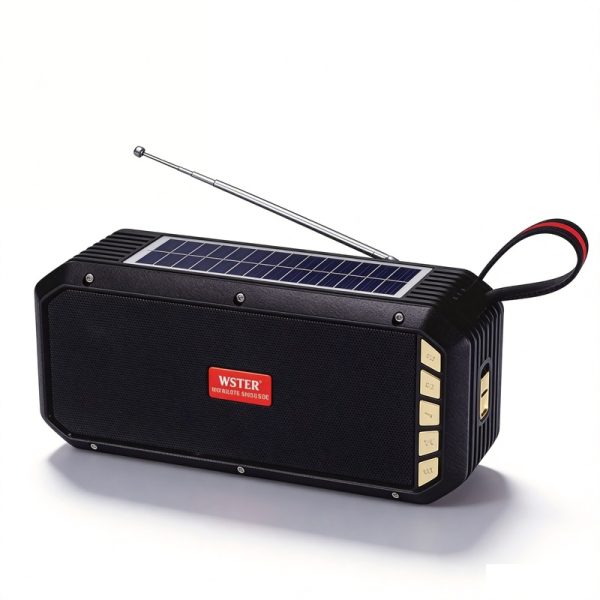
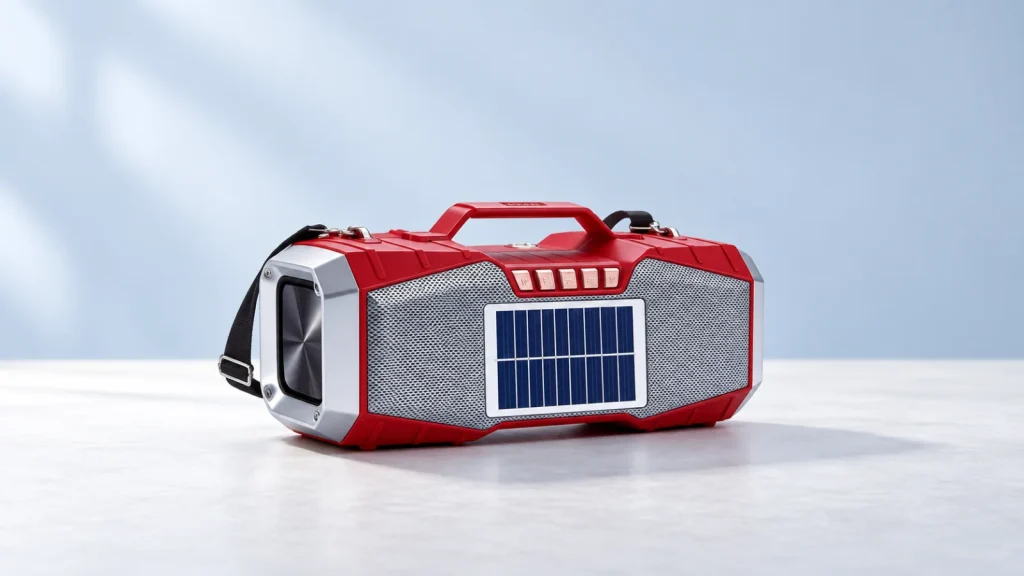
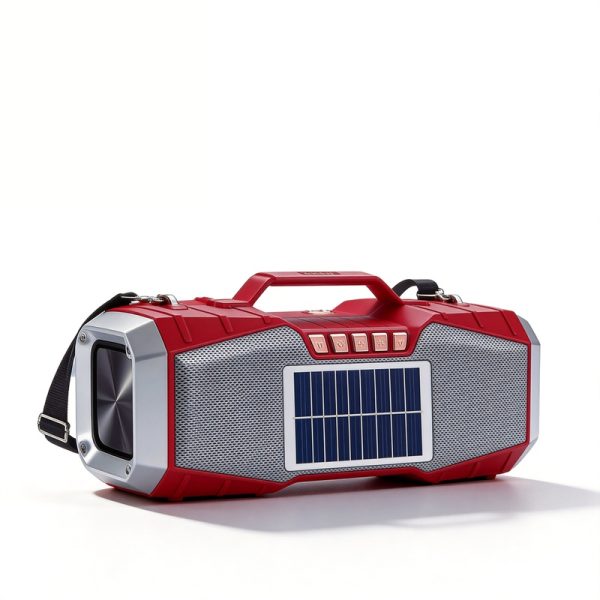
WS-1857 and WS-5390 offer the same four playback sources in the solar-speaker range. Both list flashlight and solar functions, and WS-5390 also lists TWS interconnection. These are different product briefs even when the core audio sources match.
Choose the design around your assortment, then keep the source requirements consistent across the models you compare. This helps separate a change in appearance from a change in how the customer accesses audio.
Prepare a useful source demonstration
Bring the intended phone and representative media to the sample review. For each source, record how it is selected, whether the chosen file or station plays, how playback is controlled and what any display shows. Keep the observations attached to the model and the media used.
Ask WSTER to confirm supported file formats and storage limits where they matter to your range. A USB or TF label identifies an interface; it does not establish that every drive, card or file will work. Similarly, a listed TWS function should be reviewed separately if paired playback is part of the request.
Make the inquiry specific
List your chosen models, the essential sources and the operating details you want demonstrated or clarified. Add planned quantities and any requested packaging or branding. The resulting inquiry explains both which products interest you and what needs to be resolved before selection.
Buyer questions
Do USB and TF labels guarantee identical media support?
No. Confirm the file formats and storage requirements for the exact model, and use representative media in the sample review.
Do FM, TWS and a display always come together?
They are separate features. The examples above show several combinations, so keep each model’s listed functions with its reference.