On these speaker listings, TWS identifies a pairing function to review as part of a two-unit setup. Start with models that list the feature, then confirm the supported combination and operating steps. This is a different selection task from choosing TWS earphones for personal listening.
Find the pairing feature in the product format you need
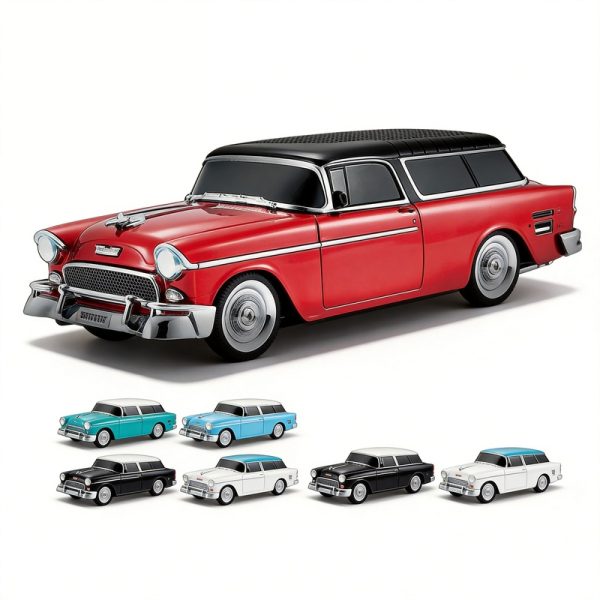
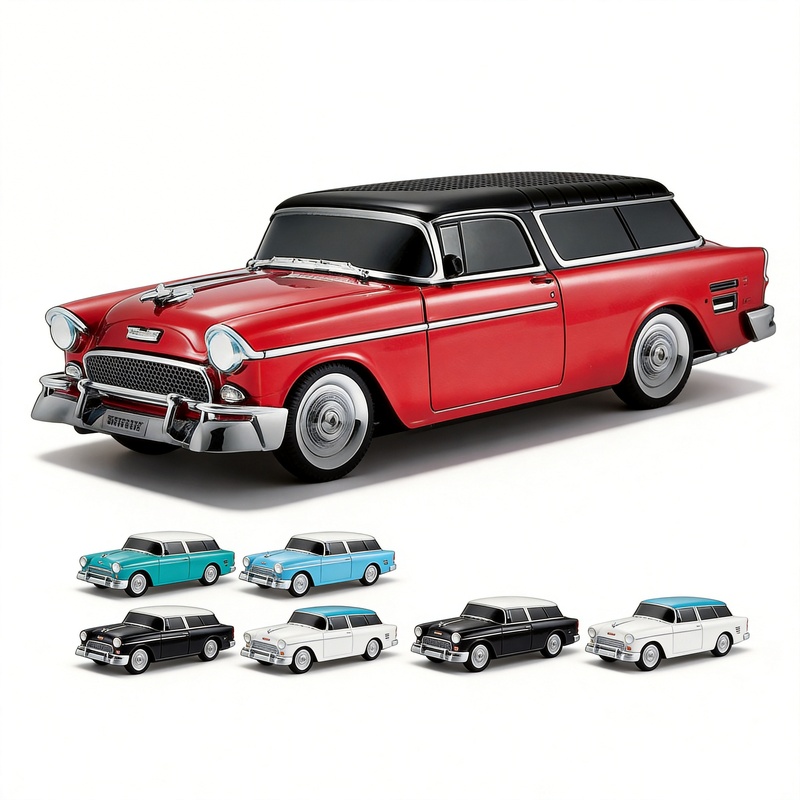
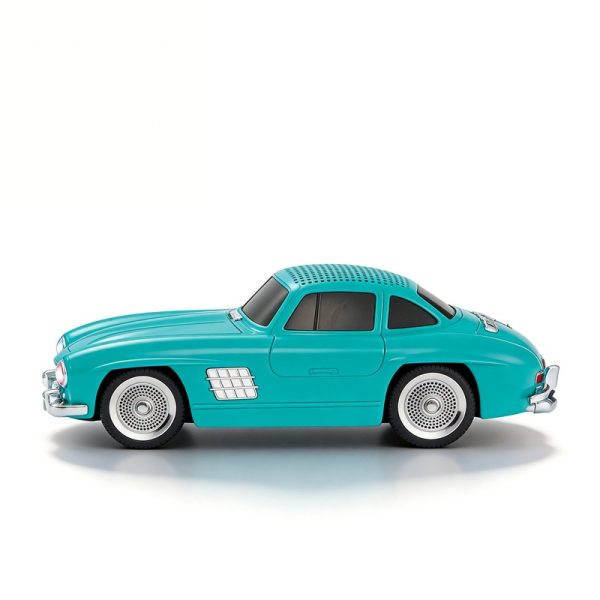
The car-model WS-1955 and WS-300SL include TWS in their feature lists, alongside Bluetooth, USB, TF, FM and an LED display. If a vehicle-inspired product is central to your range, pairing is an additional function to explore within that design choice.
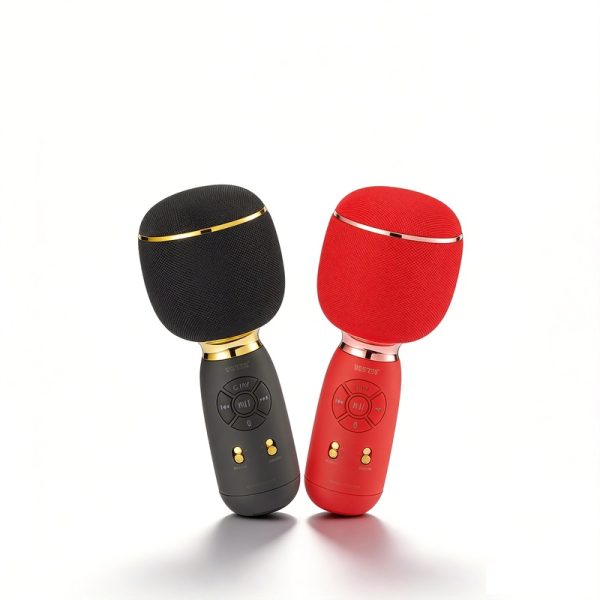
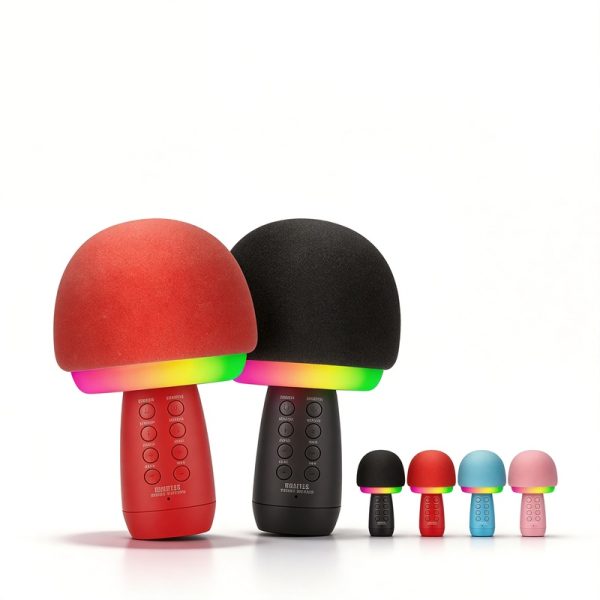
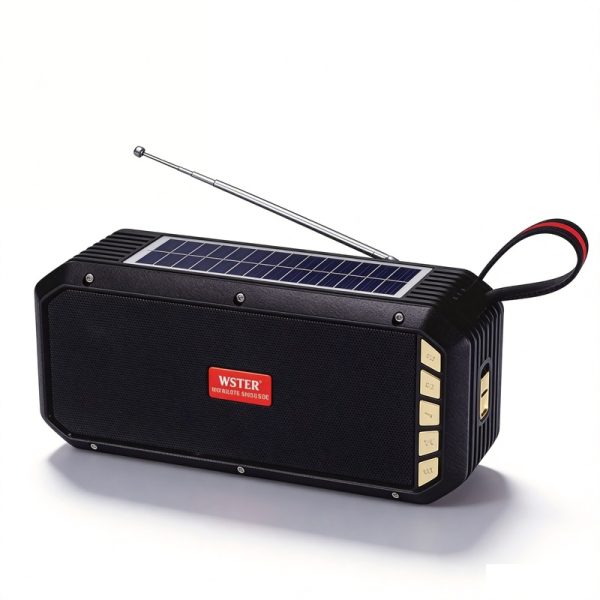
WS-5390 lists TWS interconnection with solar charging and a flashlight. The karaoke models WS-1885 and WS-910 also list TWS interconnect; WS-910 additionally lists a night light and RGB motion lights. These combinations give you different product roles to consider before planning the paired demonstration.
The shared TWS label does not make these models an interchangeable pair. Use the examples to identify candidates, then ask which model and version should be used for each unit in the setup.
Make the pairing demonstration specific
Choose the source and use case you need to evaluate. A useful demonstration should make it clear how the pair is created, how it is controlled and how it returns to use after being disconnected. Keep the questions tied to the selected model rather than relying on a generic Bluetooth pairing sequence.
- Which units and versions form the supported pair?
- What control sequence enters and leaves pairing mode?
- What visible or audible indication confirms that the intended setup is complete?
- Which audio sources support the intended paired operation?
- How are volume and playback controlled while paired?
- What instructions should be provided for reconnection and normal use?
Record the setup, not just the feature name
Keep both model references, the source device and the operating sequence with your sample notes. Record any indicator or voice prompt, which units play audio and what happens when you leave the mode. If one step needs another demonstration, record that step explicitly. A confirmed setup then has a clear meaning for your buyer, product manager and WSTER contact.
If you are considering selling two units together, describe that presentation in the brief and ask about the related packaging arrangement. The pairing feature alone does not establish a retail bundle, mixed-model support or a particular operating distance. Those questions remain specific to the chosen project.
Buyer questions
Can any two Bluetooth speakers connect through TWS?
No. Confirm the supported pairing combination for the selected WSTER model. A feature label is not proof of cross-model or cross-brand compatibility.
Can I assume every audio source works while paired?
Ask about the sources you need and review them in the intended setup. A model’s source list and its pairing function need to be considered together.
Where should I look for wireless earbuds?
Use the TWS earphone category. Earbuds are personal-audio products with a different set of fit, case and calling questions from a speaker-pairing project.