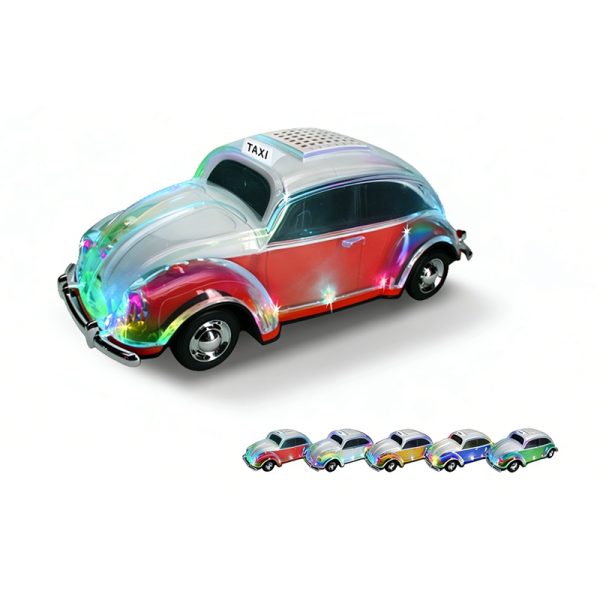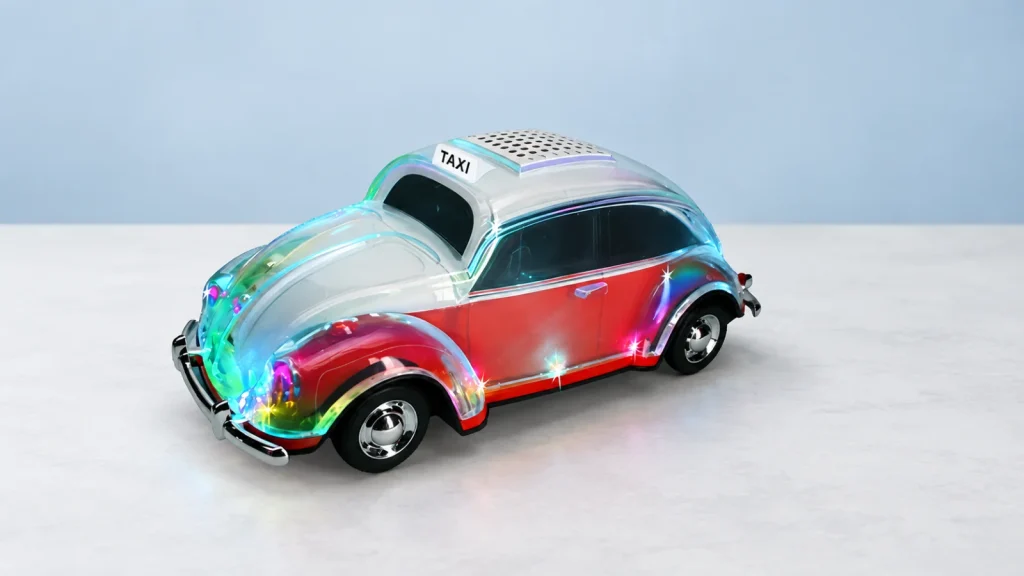
A display can be part of the attraction of a speaker, but the buying question is what it tells the user. Review the screen alongside the controls and playback sources so the product description explains the interface as well as the design.
Three car-model references with listed displays
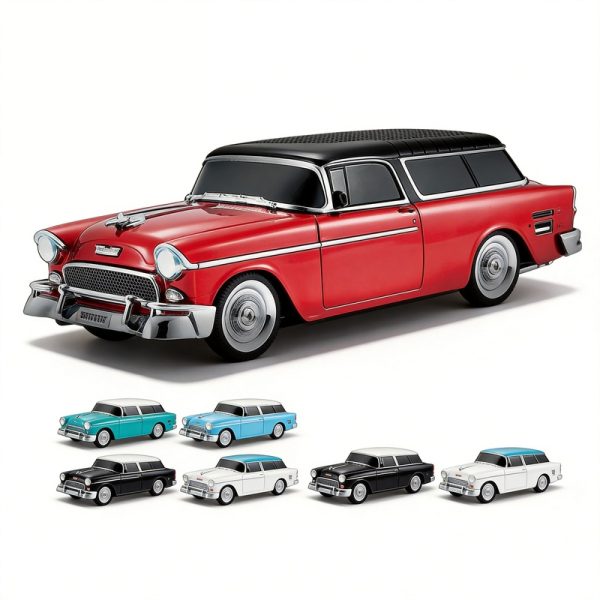
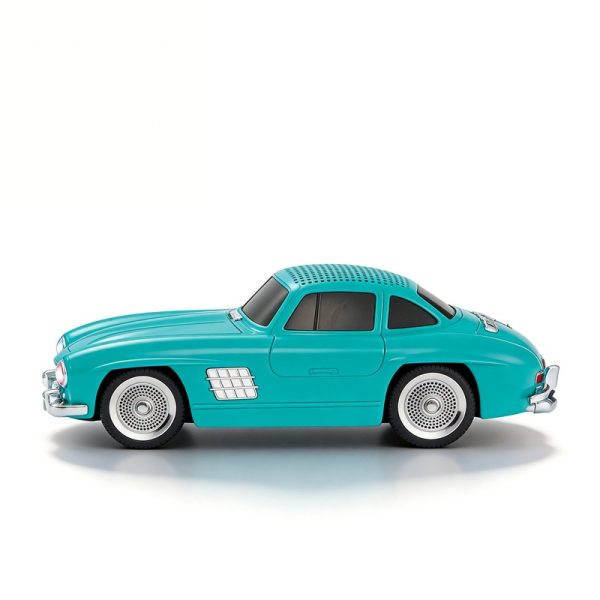
WS-1937BT lists a digital display together with Bluetooth, USB, TF and FM. WS-1955 and WS-300SL list LED displays, the same playback sources and TWS. Their original product descriptions identify vintage 1937, 1955 and 1960 car-model designs respectively.
Those entries give you two useful comparisons: the physical design and the listed functions around the display. They do not tell you that the three interfaces show identical information. Keep that question open until you review the selected model’s operation.
A buyer concentrating on the car-model appearance may need a clear view of the complete product, while someone comparing interfaces may need to see the display and controls more closely. Use the product images to orient the discussion and an operating demonstration to confirm what is shown.
Follow the display through a normal use sequence
- Start the product and note the information visible before playback.
- Select Bluetooth and record the display during pairing and playback.
- Try each required supported source, such as USB, TF or FM, and note how the display changes.
- Use the relevant controls and compare the result with the operating instructions.
Record the actual symbols or information instead of assigning a purpose from the shape of the screen. Also review readability from the expected handling position. If you need a specific status indication for your range, name it in the brief so it can be demonstrated or clarified.
Turn the observed interface into clear product copy
Describe the functions confirmed for the chosen model. A digital or LED display does not by itself establish a clock, alarm, touchscreen or numeric battery-percentage readout. If any of those is essential, ask WSTER about that requirement directly before using it in a product listing.
For an OEM discussion, keep the standard interface separate from proposed artwork, packaging or instruction changes. Include the selected model and the information your customers need to understand, then confirm the feasible scope for the project.
Buyer questions
Can similar-looking screens use the same specification?
Keep the display behavior with its own model. Similar appearance is not enough to establish the same controls or displayed information.
What should I request if a particular readout matters?
Name the information you need to see, the operating mode in which it should appear and the model under review. Ask for confirmation or a demonstration of that specific requirement.