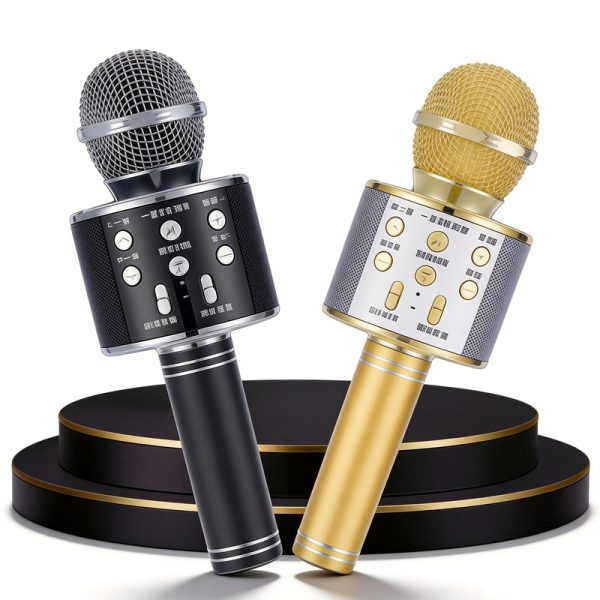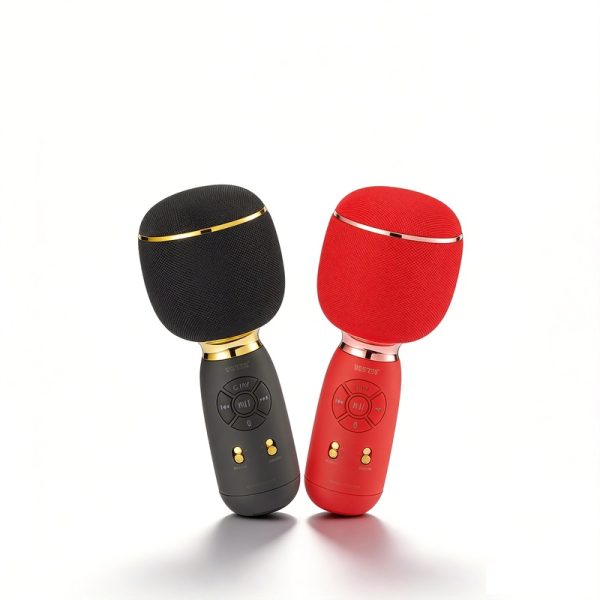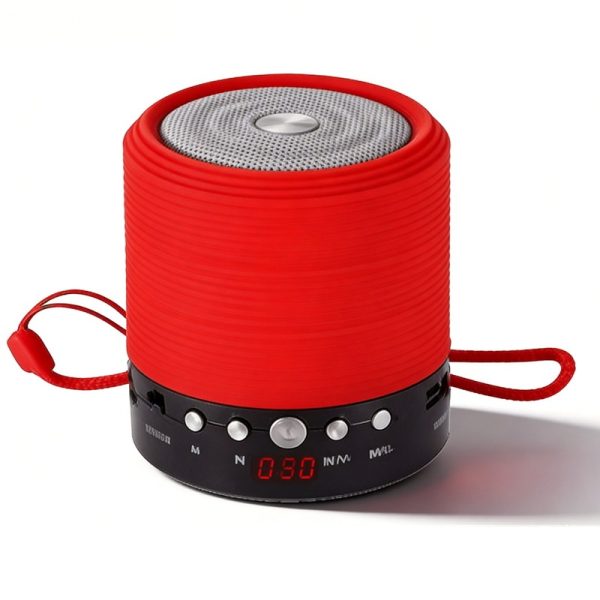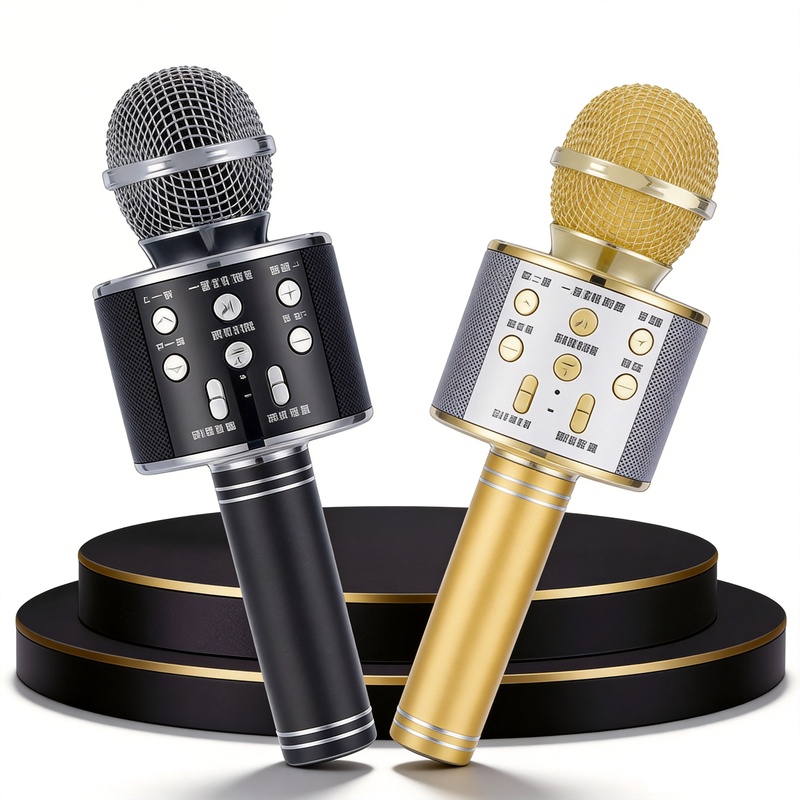
Choose a karaoke microphone when holding the microphone and singing are central to the product experience. Choose a conventional Bluetooth speaker when the main task is playing audio from a phone or another source. Both can belong in the same wholesale assortment, but they should be evaluated as different products.
Begin with how the customer will use it
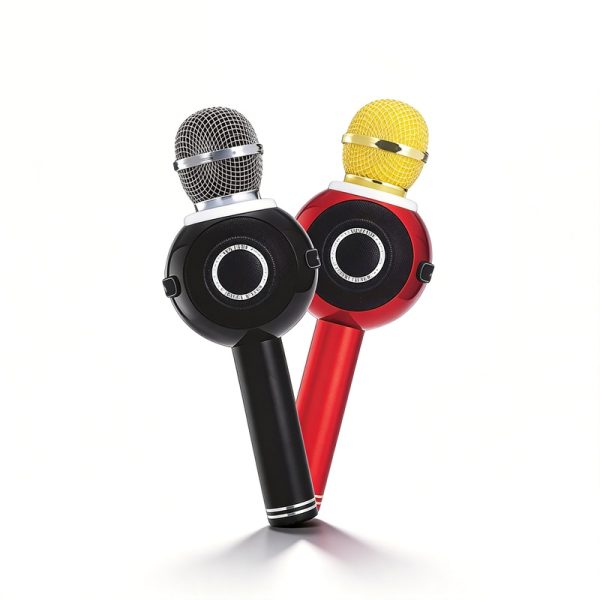
WS-858 and WS-878 are handheld karaoke microphone models. Their format makes grip, control access and the singing workflow relevant selection points. A product that is comfortable to place on a shelf is not being assessed in the same way as one the customer holds while using several controls.
There are also concrete differences to keep with each model. WS-858 lists a 1500 mAh battery, while WS-878 lists 1800 mAh. WS-878’s own feature description includes recording, Magic Tone effects and FM, USB/TF and AUX playback. Those entries support a feature comparison; the capacity difference alone is not a measured difference in singing time.
WS-1885 lists karaoke and TWS interconnect, adding a pairing question to the selection. If that function matters to your range, ask for the intended model combination and operating steps.
Compare speakers around the playback task
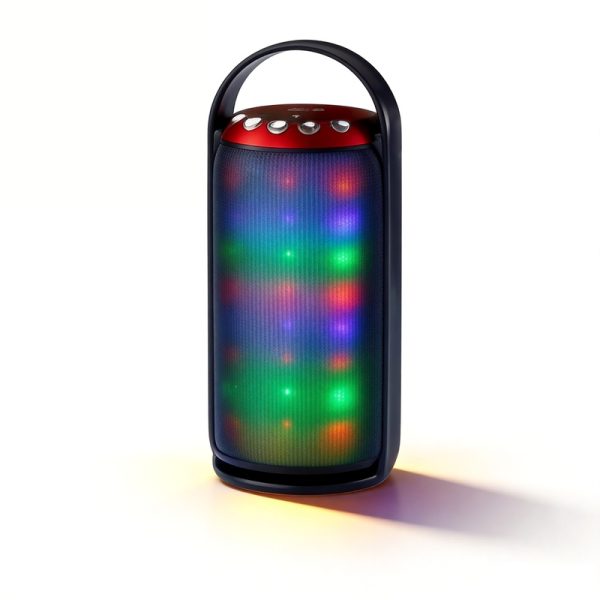
WS-1602 is a Bluetooth digital speaker reference, while WS-632 belongs to the mini wireless speaker range. Both have listed FM and USB/TF playback and an LED display. These shared functions let you focus the next comparison on product format, control access and the presentation you want for the range.
An ordinary speaker’s Bluetooth connection does not establish a microphone input or vocal effects. Keep the singing requirement explicit when it is important, rather than expecting the same interaction from every Bluetooth audio product.
For the chosen setup, identify where the backing track enters, where the voice is picked up and where the sound is heard. Ask WSTER to explain that path for the selected model. A Bluetooth playback label alone does not tell you whether a microphone can send your voice to a separate Bluetooth speaker.
Ask different questions at the sample stage
- For a karaoke microphone, check the grip, the position of singing and playback controls, and the functions essential to your range.
- For a conventional speaker, consider where it will be placed and how easily a user can select a source and operate playback.
- For a model with recording or effects, ask to see those particular controls demonstrated.
- For either format, keep the source device, model and operating mode with your notes.
This also helps when planning packaging and product instructions. The information needed to introduce a microphone’s singing controls may differ from the information needed to explain source selection on a compact speaker. Describe those needs as part of the project discussion.
Make the range decision explicit
Decide whether you are choosing one format for a single position or buying both for different customer needs. In either case, name the required interaction, list the selected models and describe any branding or packaging request. WSTER can then discuss the specific products and the points still awaiting confirmation.
Buyer questions
Does Bluetooth make a speaker a karaoke system?
No. Bluetooth playback alone does not establish microphone input, vocal effects or a singing function. Review the selected product’s own specification.
Is the larger battery automatically the better purchase?
Capacity is one specification. The product format, controls and required functions still need to match the role in your assortment, and runtime needs model-specific information.